Find anything
Goto Anything, a command palette, project-wide search and symbol navigation.
Text editor
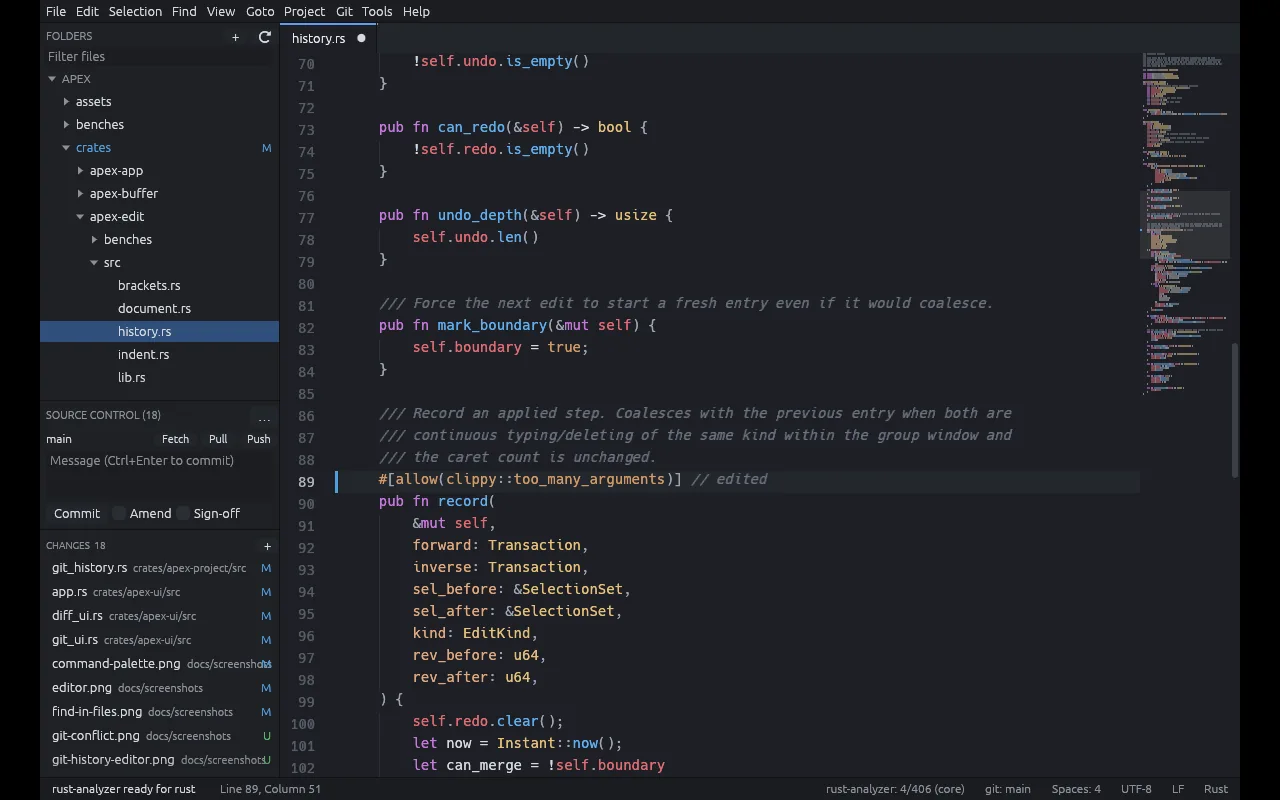
Apex is a native editor for Linux, macOS and Windows. It has multiple cursors, fast project navigation, Git and the keyboard shortcuts you already know. There is no plugin system and no account.
Goto Anything, a command palette, project-wide search and symbol navigation.
Multiple cursors, split panes, snippets, macros and keyboard-driven commands.
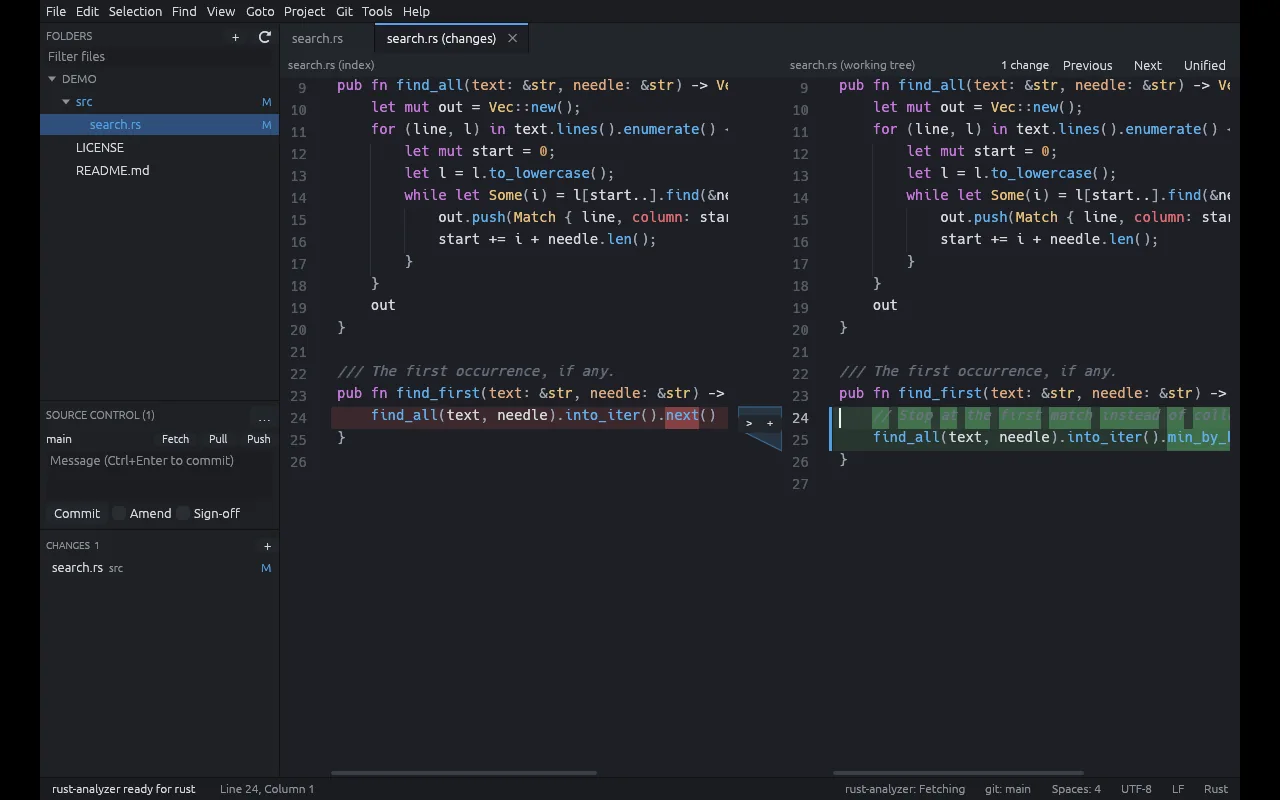
Branch information, diffs, staging, history and the common Git operations.
No cloud service, plugin account or telemetry is needed for anything.
Browse the sidebar or jump straight to a file.
Use multiple cursors and Goto Anything to move around.
Look at the diff and stage your changes.
Saves are atomic, and sessions are recovered after a crash.
A plugin marketplace is a lot to maintain and a lot to trust. Apex puts the features most people use into the editor itself and leaves it at that.
Apex user guide (PDF)