File transfer

wayport.

Files, from here to there.

Wayport is a desktop file transfer app for Windows, macOS and Linux. Your computer is on the left, the server is on the right, and you drag files across. It handles FTP, FTPS, SFTP, WebDAV and SMB, plus S3, Google Drive, Dropbox, OneDrive, MEGA, iCloud Drive and more than fifty other cloud services.

Version
0.1.0
Runs on
Windows, macOS, Linux
Guide
1 November 2026
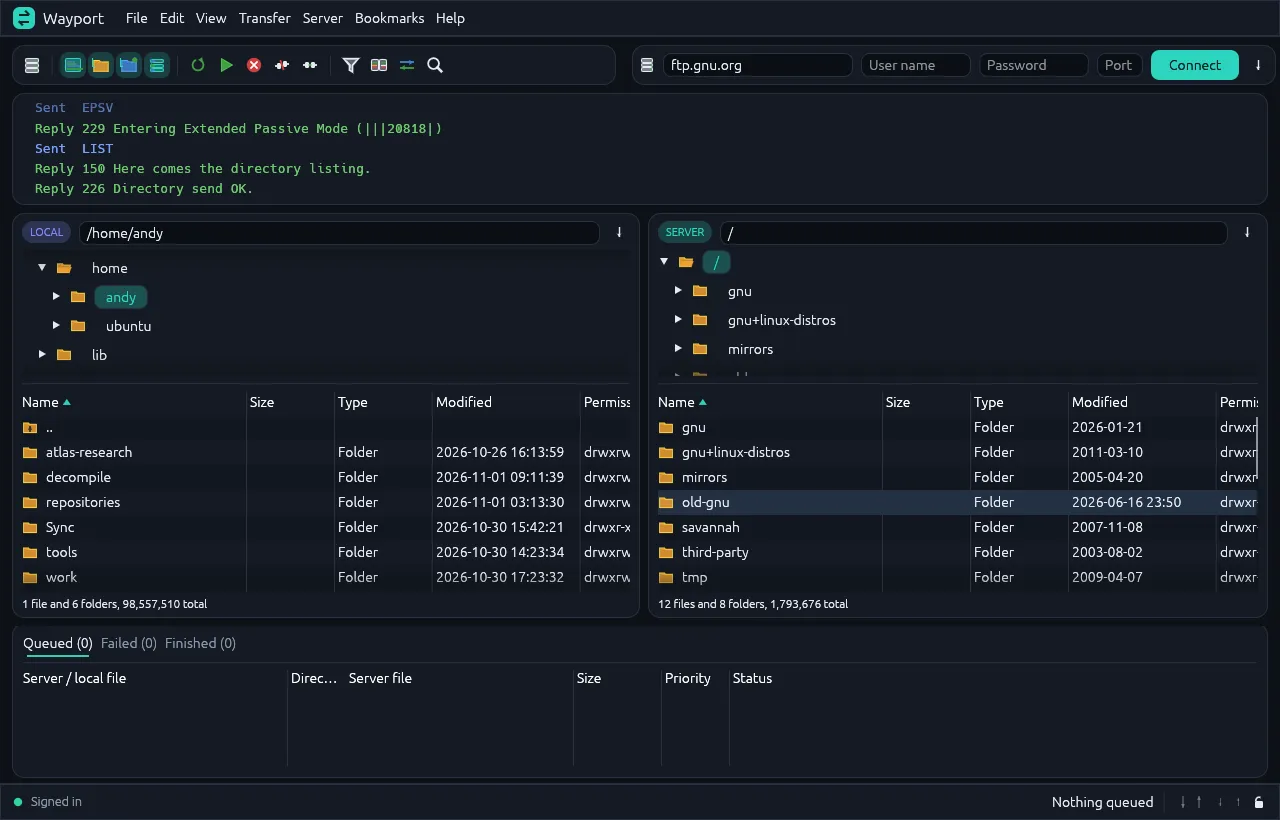
Wayport connected to an FTP server: the activity log at the top, local files on the left, server files on the right and an empty transfer queue below
Connected to an FTP server. Local files on the left, the server on the right, the transfer queue underneath.

What it does

One app for every server

FTP with or without TLS, SFTP with passwords, key files or an SSH agent, WebDAV, SMB and HDFS. Object stores such as S3 and its compatibles, B2, Azure and Google Cloud Storage. Cloud drives from Google Drive and OneDrive to Proton Drive and Filen.

A queue you can leave running

Every copy goes into the Transfers panel, with queued, failed and finished tabs. Downloads resume everywhere, uploads resume over FTP and SFTP, and you can set speed limits and rules for files that already exist.

Sites and Quick connect

Type an address such as sftp://files.example.co.uk to connect once, or save servers under Sites with their own settings and bookmarks. Google Drive, Dropbox, OneDrive and Box sign in through your browser.

The tools you reach for

Compare folders, linked browsing, file filters, server search, editing remote files in place, permissions, raw commands and copying links.
Your first transfer

1

Enter the address

Type it into the Quick connect bar with your user name and password.

2

Connect

Check any certificate or host key prompt before accepting it.

3

Drag a file across

From the left pane to the right to upload, or the other way.

4

Watch the queue

It shows in Transfers, then on the server.

Where your passwords go

You choose. By default saved passwords are stored base64-encoded, which anyone who can read the file can decode, and the guide says so plainly. You can turn saving off, or lock everything with a master password. Cloud services that use browser sign-in never give Wayport your account password, and the settings files are readable only by your user on Linux and macOS.

Wayport is an early release. On a shared or work computer, use a master password or don't save passwords at all.

Wayport user guide (PDF)
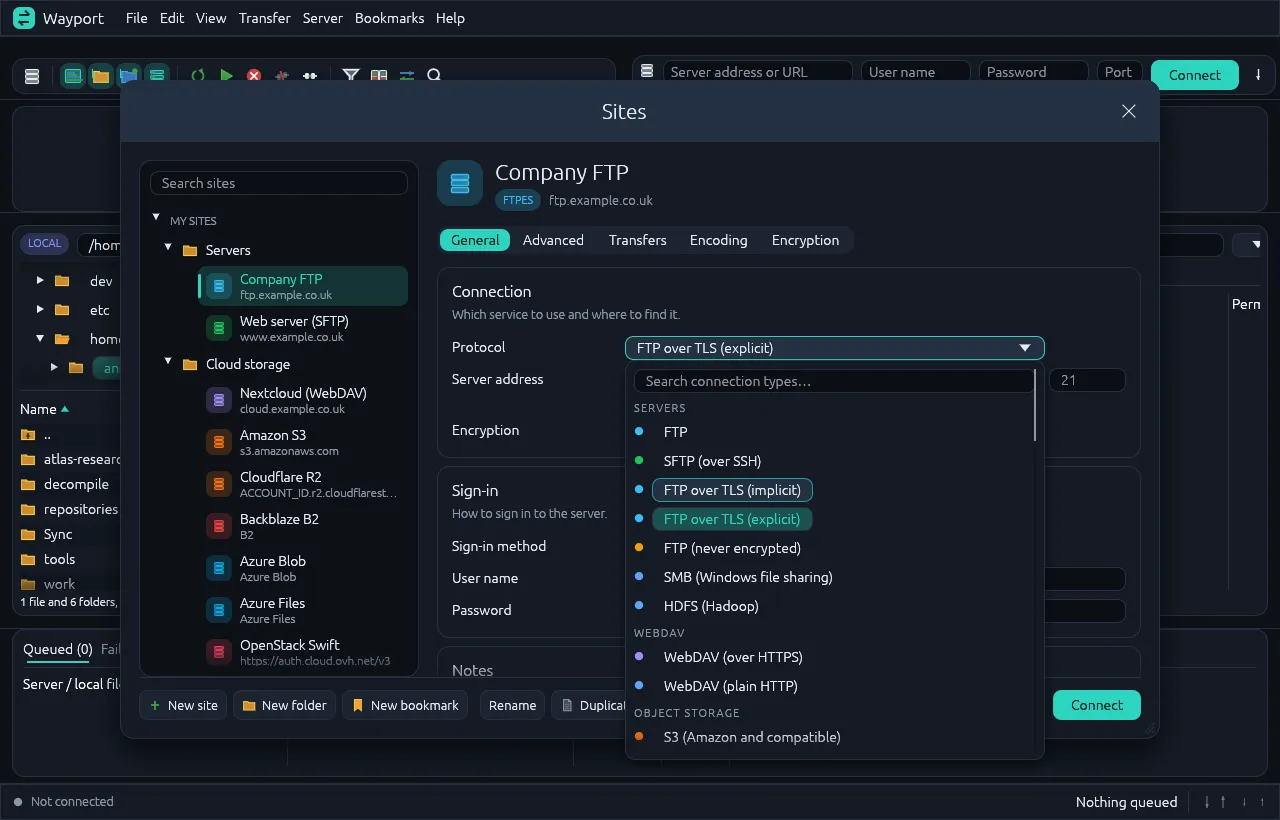
The Wayport Sites window with saved servers and cloud storage on the left and the protocol list open, grouped into servers, WebDAV and object storage
Sites, with the connection type list open.
pebble.

Next: Runs a small FreeBSD box as a home or office router, configured from one YAML file.