Calls
Video, audio, screen sharing, chat and live captions.
Video meetings
Video meetings in the browser with collaborative whiteboards, teaching tools, polls and breakout rooms. Currently released as WebMeet.
Video, audio, screen sharing, chat and live captions.
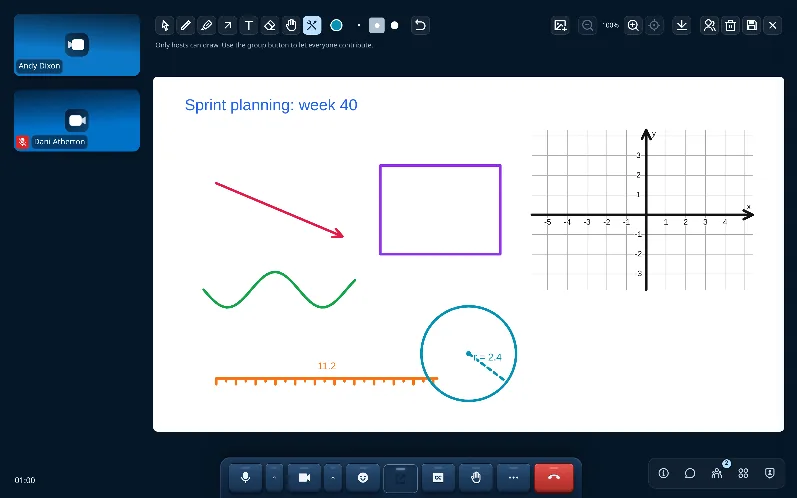
Draw together with pens, pointers, shapes and shared material.
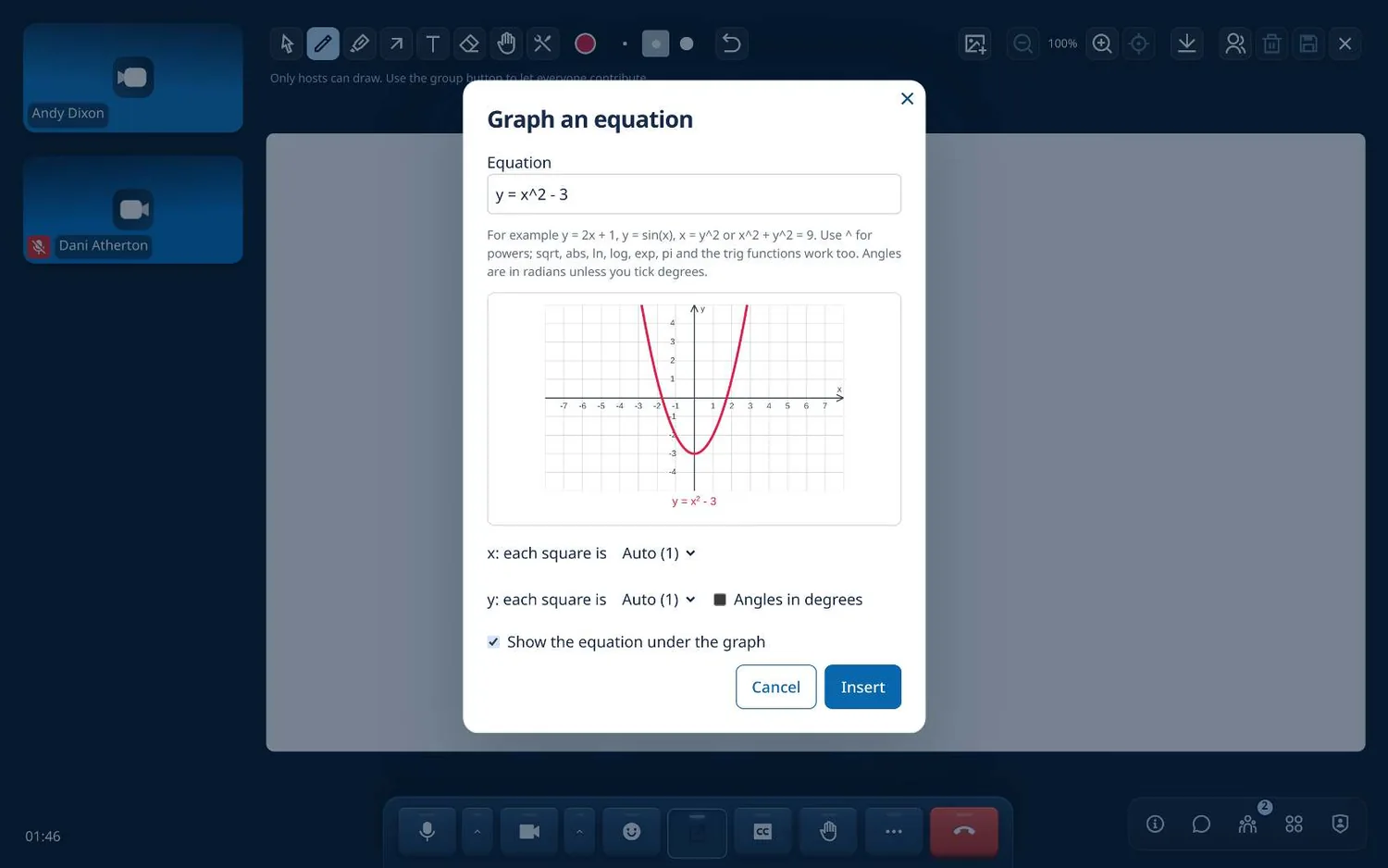
Graphs, geometry and science diagrams for explaining things visually.
Polls, questions, breakout rooms and optional attention prompts.
Create a meeting and send the link.
Share your screen or open a whiteboard.
Use a poll, Q&A or breakouts if they help.
Meeting packs and transcripts, where enabled.
Captions, recordings, transcripts and AI-generated minutes are all controlled by configuration and permissions, so an organiser can turn off what they don't want.
The product and its guide are still called WebMeet. Meet is the name it will have once it joins the uncomplex family.
WebMeet 1.4 user guide (PDF)