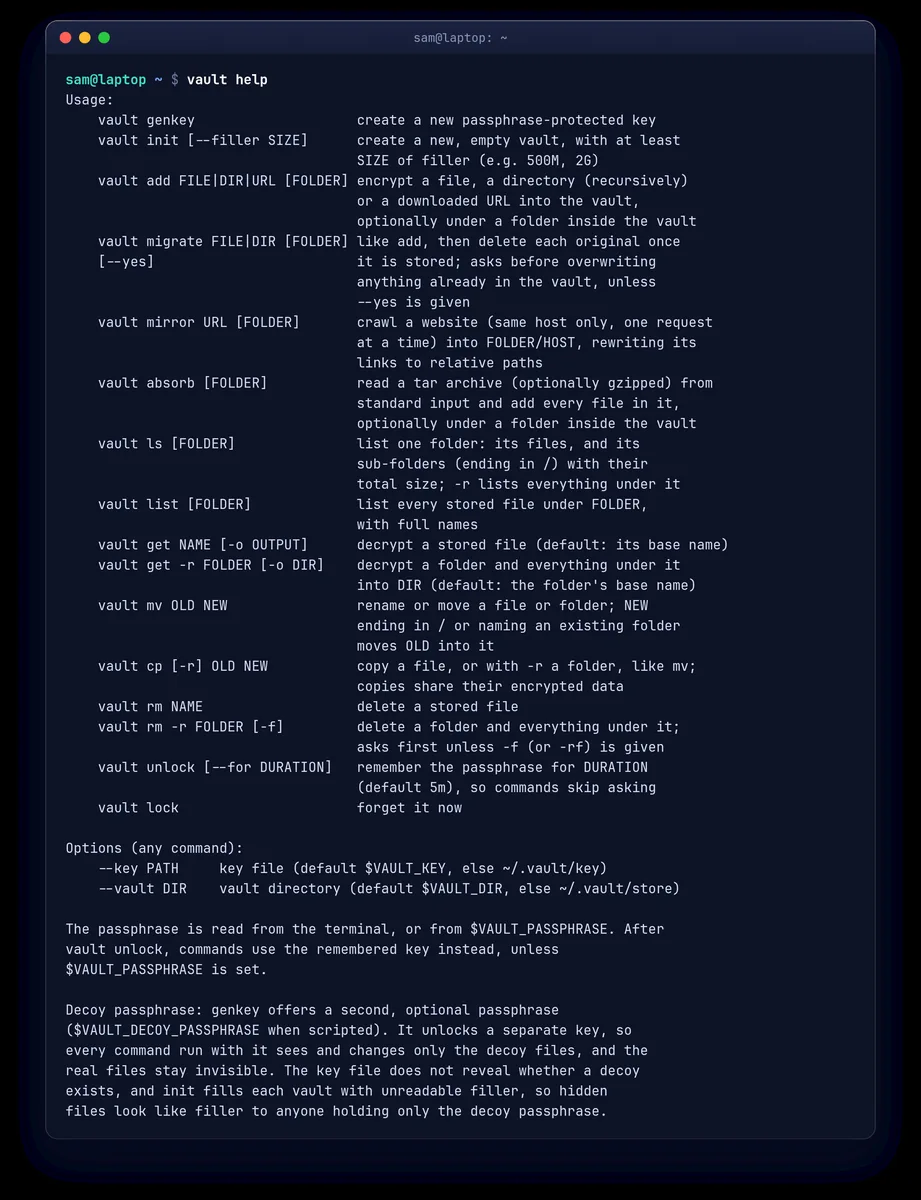
Encrypt files
Add, list and retrieve files in an encrypted folder with a handful of commands.
Encrypted file storage
Vault is a small command-line tool that encrypts files and also hides their names, sizes and timestamps, so a copied vault folder reveals as little as possible.
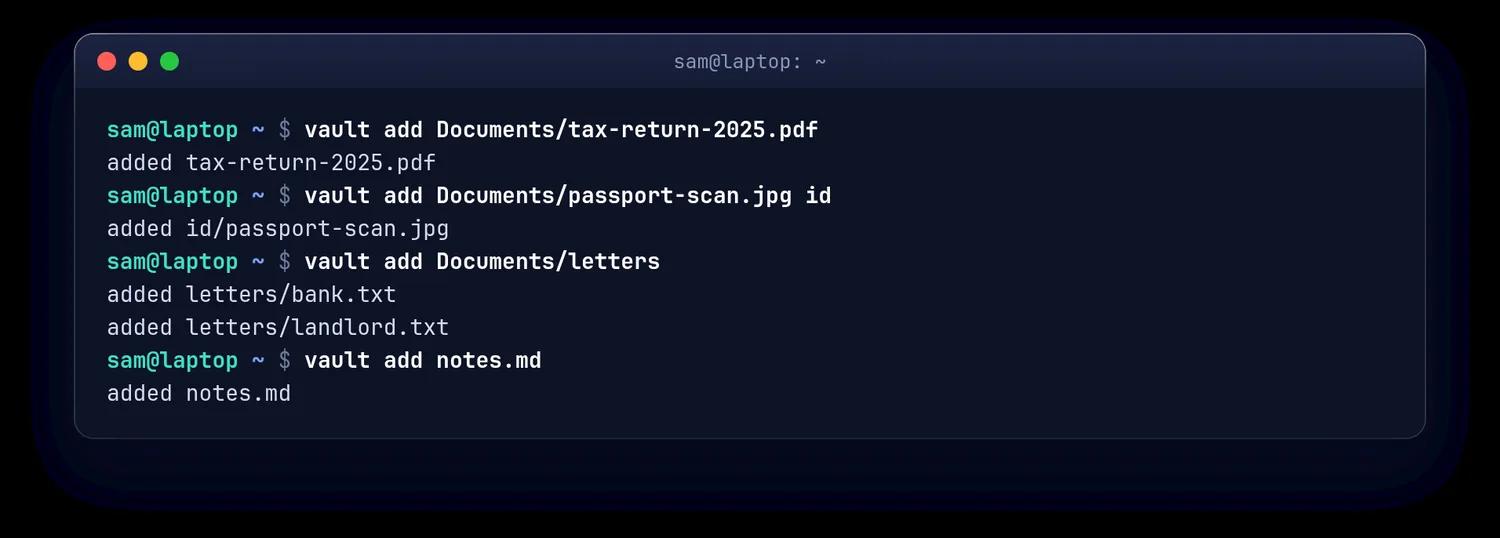
Add, list and retrieve files in an encrypted folder with a handful of commands.
File and folder names, timestamps and exact sizes are hidden, not just the contents.
A second passphrase can open a separate, harmless set of files.
No password reset and no built-in sync. Encryption is not a replacement for backups or a secure computer.
Pick a strong passphrase and keep it safe.
Initialise an encrypted storage folder.
They are stored without their original names.
Decrypt to wherever you choose.
The field guide covers the hybrid post-quantum encryption, the integrity checks and the threat model, including what someone with a copy of the vault can still learn and why you still need backups.
Vault has not been independently audited. Read the threat model before trusting it with anything important.
Vault field guide (PDF)