Deleted files, lost partitions
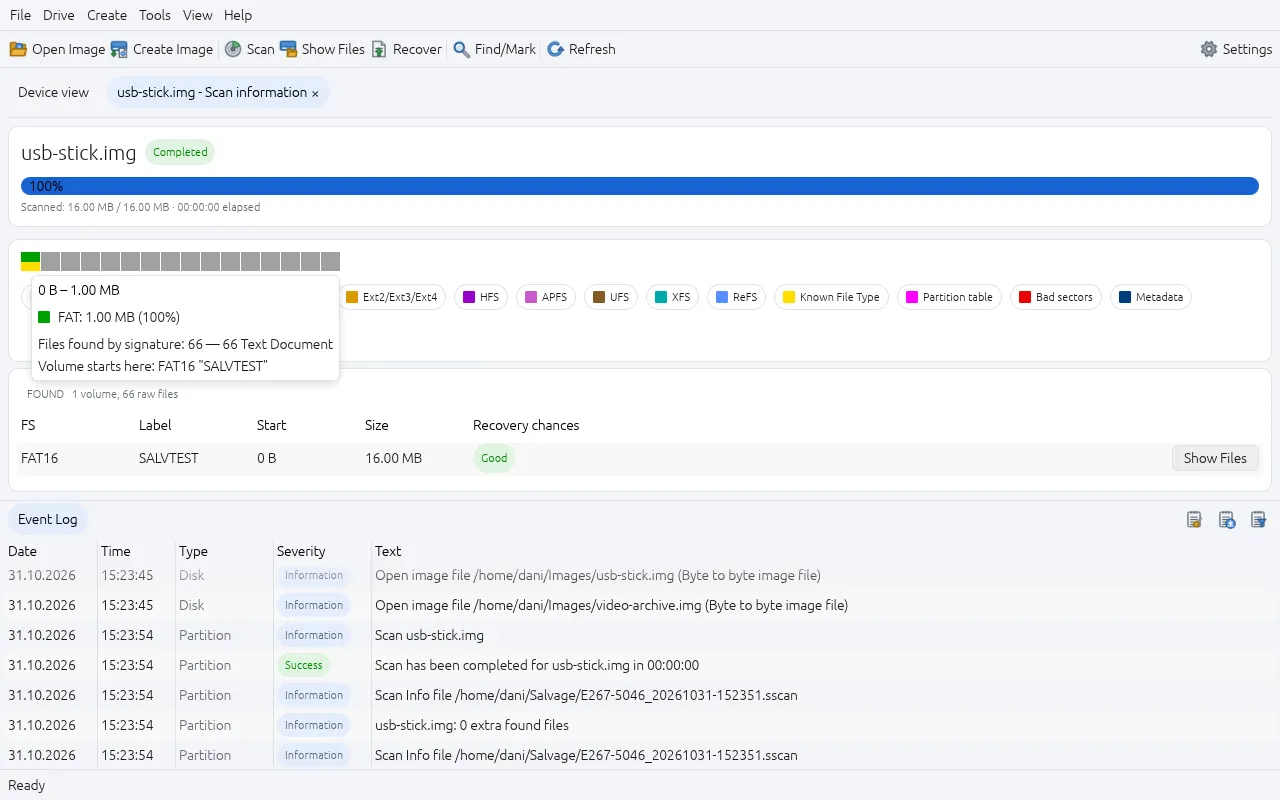
Show Files lists everything still on a volume, deleted files in red. When the partition or file system is gone, a scan reads every sector for lost volumes and known file signatures.
Data recovery
Salvage finds deleted files, lost partitions and formatted drives, and copies what it finds somewhere safe. It reads from the drive you are rescuing and never writes to it. It runs on Windows, macOS and Linux.
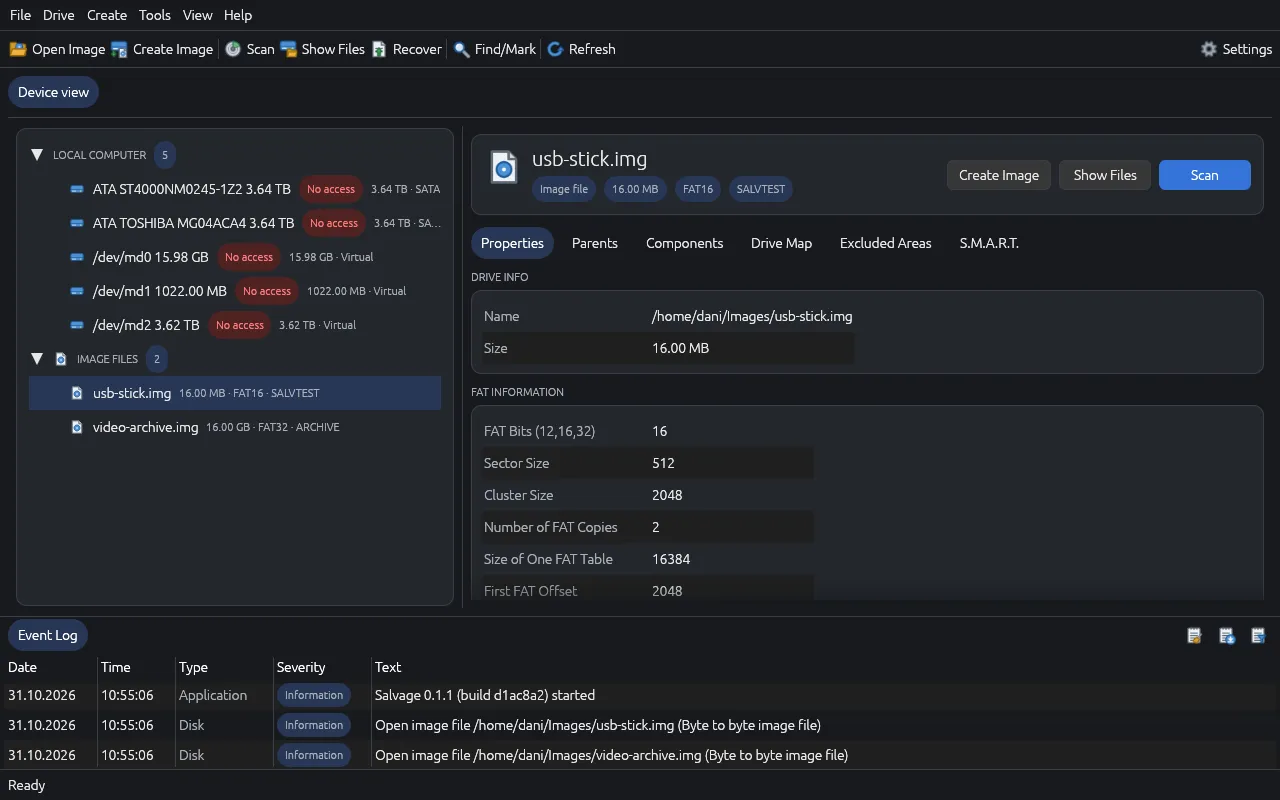
Show Files lists everything still on a volume, deleted files in red. When the partition or file system is gone, a scan reads every sector for lost volumes and known file signatures.
Physical drives, raw and forensic images (.img, .dd, .E01, .aff), virtual machine disks (.vhd, .vhdx, .vmdk, .vdi) and Apple .dmg and .sparsebundle. A small agent lets you recover from another machine over the network.
Unlock LUKS and BitLocker with the passphrase or recovery key. Recover earlier versions from Windows shadow copies, and old folder versions from Btrfs.
Fragmented JPEGs and H.264/HEVC videos can be put back together after a scan. Salvage checks the image data and frame index to find the piece that carries on.
Anything new written to it can overwrite what you want back.
Create Image, or a runtime image that copies as Salvage reads.
Show Files, or scan. Double-click to preview before recovering.
Never to the one you are recovering from.
Salvage only writes to a whole disk in two places, Wipe and Drive Copy, and both ask twice and name the target. Writing in the hex editor needs two separate switches turned on. Scans save as they go and can be resumed, and a file with a few bad sectors still comes back with only the unreadable 4 KB pieces zeroed.
Salvage is an early release. Recovery depends on the drive and on what has been overwritten, so preview files before relying on them.
Salvage user guide (PDF)