Plan before you apply
Pebble shows the generated files and exactly what will change before anything touches the network.
Router management for FreeBSD
Pebble turns a small FreeBSD machine into a router. You describe the network in pebble.yaml, check the plan of what will change, and apply it. The routing, firewall and DNS are done by FreeBSD's own tools.
Pebble shows the generated files and exactly what will change before anything touches the network.
PF firewall and NAT, Unbound DNS with DNSSEC and optional blocklists, and DHCP. The WAN can be DHCP, static or PPPoE, with IPv6 through DHCPv6 prefix delegation behind the same default-deny firewall.
Changes that could cut you off need confirming. If you don't confirm, Pebble rolls them back.
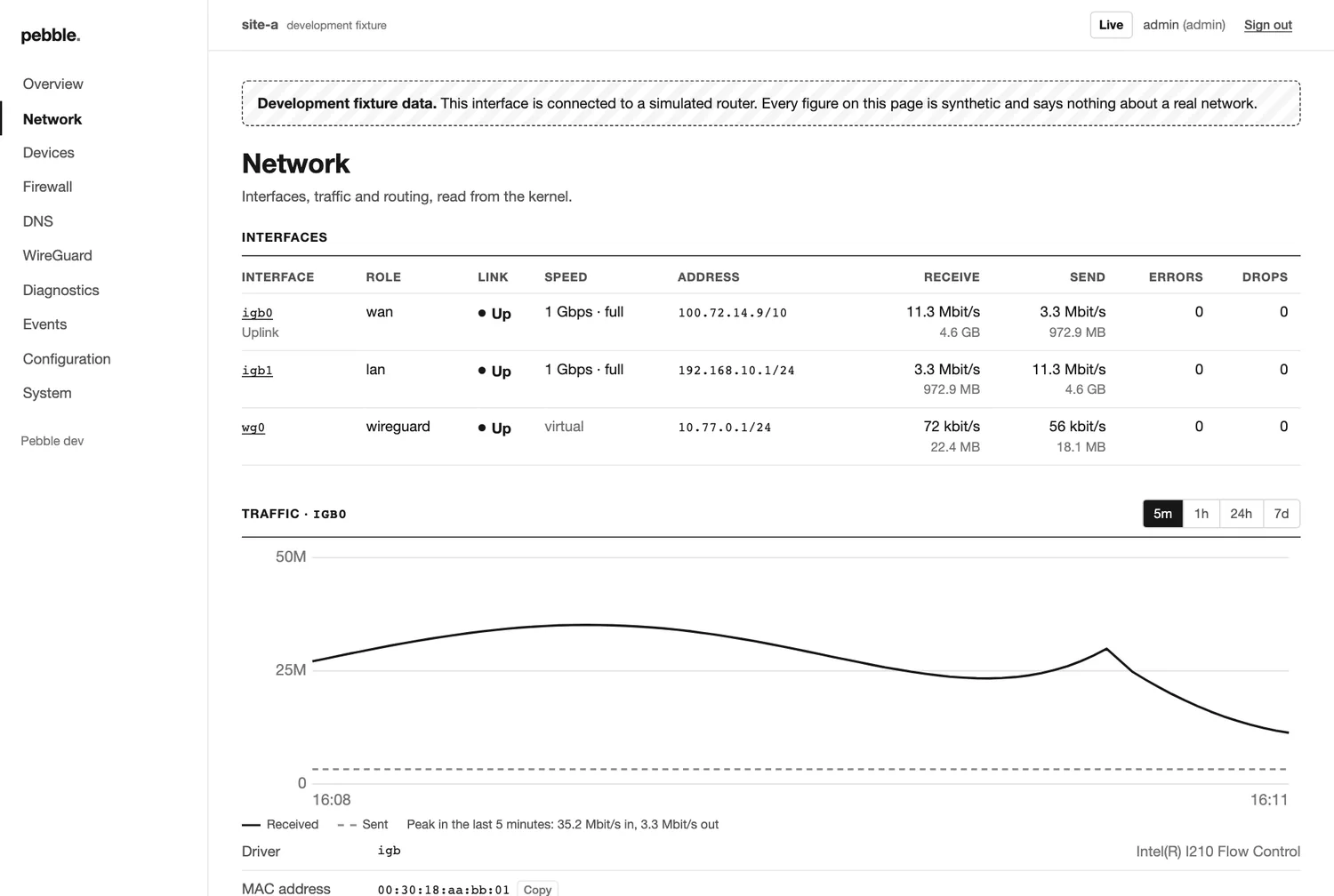
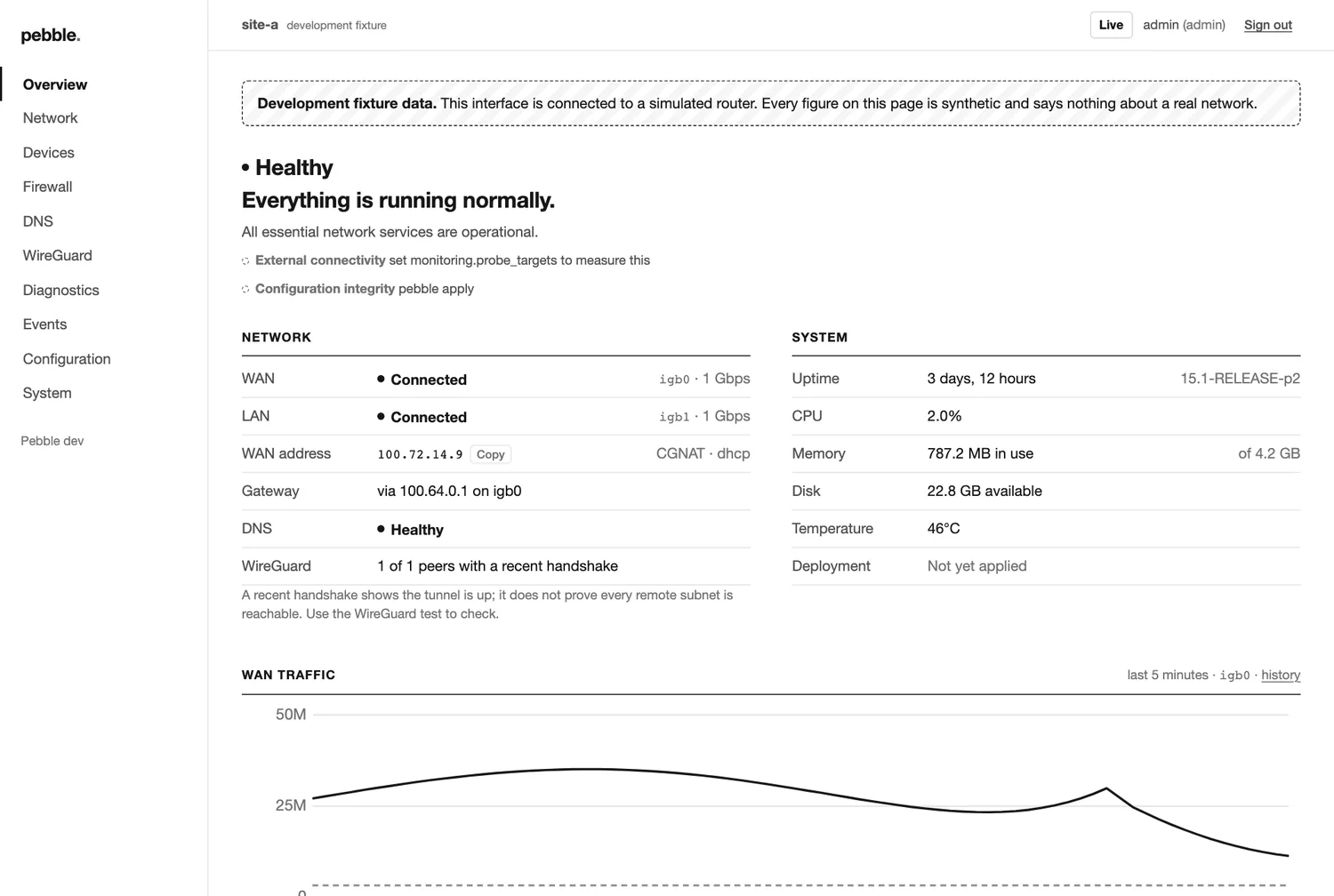
Traffic, WireGuard, service status and diagnostics, plus an optional web interface that is kept deliberately simple.
Describe the interfaces, firewall and services you want.
See the generated files and the differences.
Disruptive changes start a rollback timer.
Once you can still reach everything, keep the change.
Pebble manages services FreeBSD already ships rather than writing its own packet handling. That keeps it much smaller than a full router distribution, and the parts that matter most are the parts with the longest track record.
Pebble user guide (PDF)