SSH without the fiddling
Keys, agents and certificates, jump hosts and SOCKS5 or HTTP proxies. Paste a TOTP secret once and Nexus answers the 2FA prompt for you. Port forwards and an SFTP browser come built in.
Terminal and remote access
Nexus Terminal puts SSH, Telnet, RAW TCP, serial consoles, VNC and RDP remote desktops, IRC and GitHub in one native window, with your passwords kept in the OS keychain or an encrypted vault. It runs on Windows, macOS and Linux.
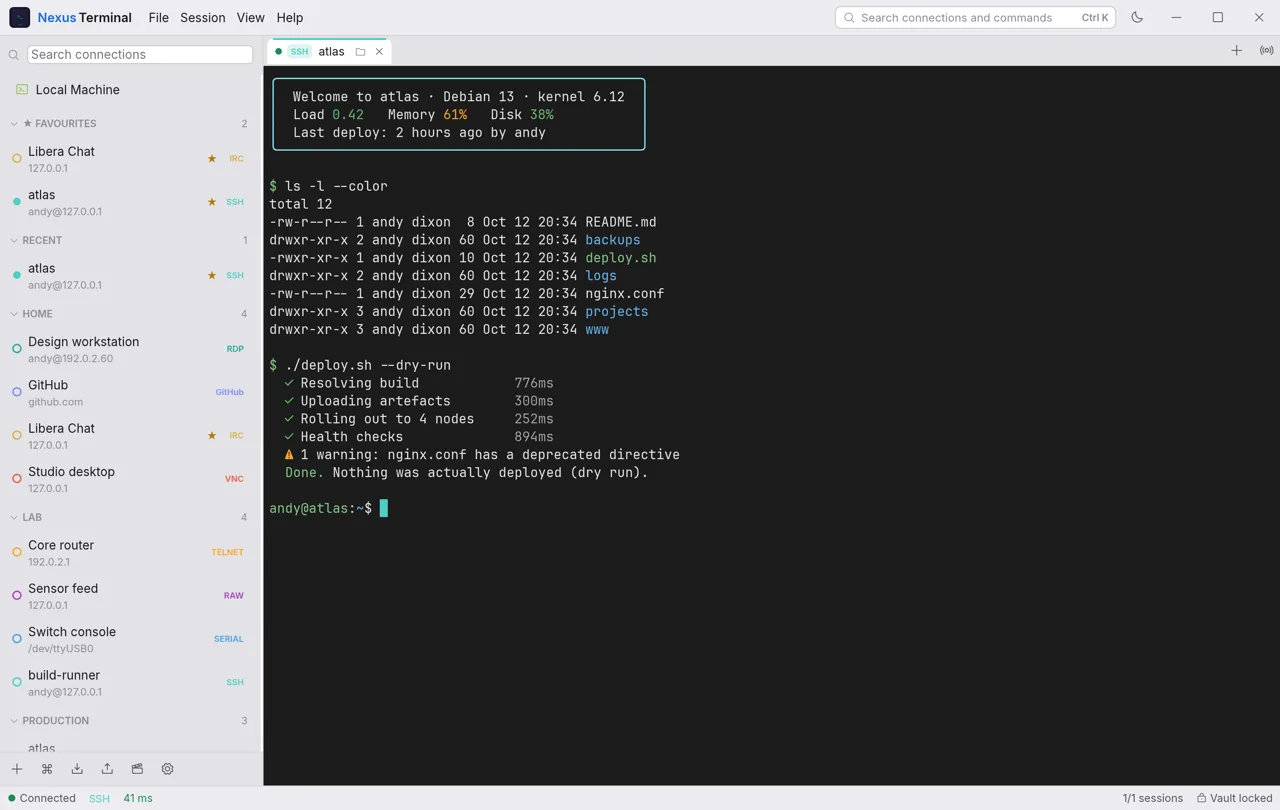
Keys, agents and certificates, jump hosts and SOCKS5 or HTTP proxies. Paste a TOTP secret once and Nexus answers the 2FA prompt for you. Port forwards and an SFTP browser come built in.
Serial consoles for switches, routers and microcontrollers, Telnet for older devices, and RAW TCP with a hex view. VNC and RDP desktops open in a tab, with VNC tunnelled over SSH at the tick of a box.
Snippets store the commands you keep retyping. Broadcast types into many sessions at once, and triggers watch the output and tap you on the shoulder. Split panes, eleven colour schemes and a command palette on Ctrl+K.
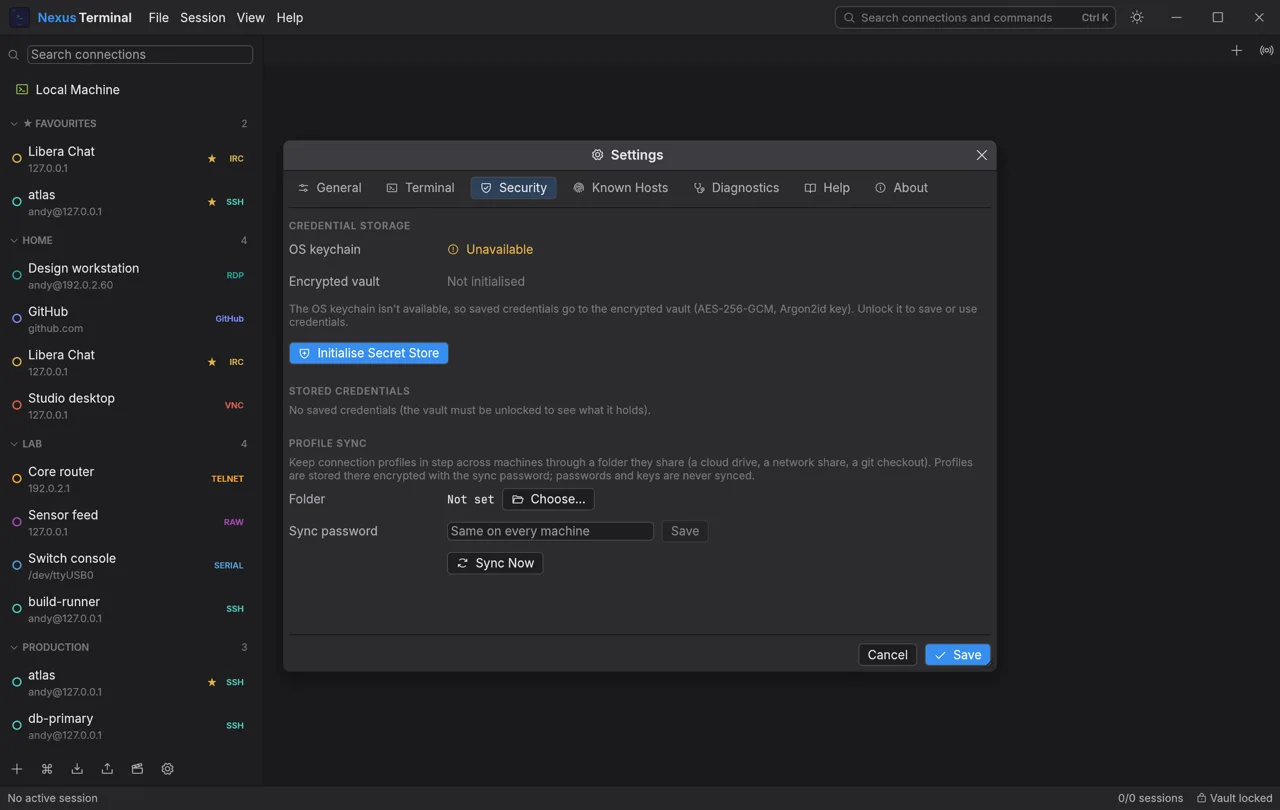
Saved connections live in groups, with favourites, tags and the last five you used. Import an existing ~/.ssh/config, export to a password-protected file, or point several machines at a shared folder to keep them in step.
No installer and no admin rights on Windows; drag to Applications on a Mac.
Press Ctrl+N and pick the protocol along the top.
Name, host, port and username. Test checks the host is reachable first.
A tab opens, and next time it is one click in the sidebar.
Saved passwords go in the macOS Keychain, Windows Credential Manager or the Linux Secret Service. Where there is no keychain, they go in an encrypted vault (AES-256-GCM, with the key derived from your master password by Argon2id). For each one you choose to save it, remember it until you quit, or be asked every time. Exports and profile sync never carry them.
Nexus remembers every server's fingerprint the first time and warns loudly if it ever changes, for SSH host keys and RDP certificates alike.
Nexus Terminal user guide (PDF)